
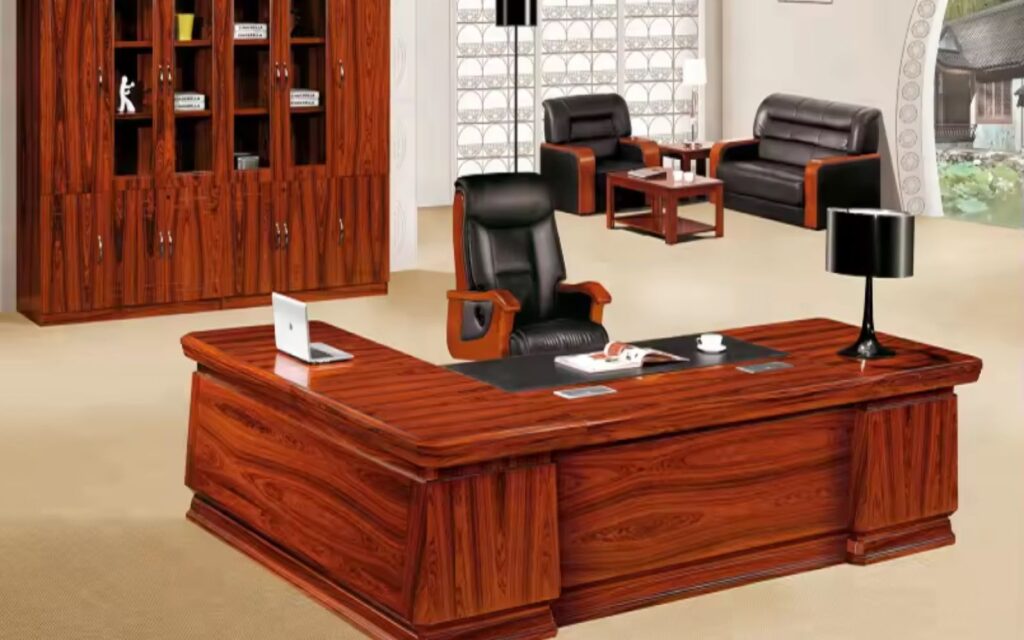
In a study conducted on workplace productivity, up to 86 minutes daily are lost by employees because of poorly designed working area, whether by poor layouts or poor lighting, or poor storage space. These inefficiencies go unnoticed when you are establishing a new office that will burn your budget, morale, and operational momentum. The new office space is not solely the issue of desks and chairs, but the construction of an organized environment that is capable of streamlining workflow processes, employee wellbeing, compliance factors, and scalability.
You may be moving into a new business unit, building on a startup, or redesigning a old workspace and all the important issues that need to be looked at which include infrastructure, ergonomics among others will be included here to ensure that nothing is left out.
1. Space Planning & Layout Strategy
A floor plan analysis should be conducted before placing an order of a single desk. Determine the square feet that can be used and also locate load bearing walls, windows, electric sockets, HVAC outlets and emergency exits.
Design space with space planning software or with a commercial interior planner to design areas including:
- Workstations area
- Executive cabins
- Conference rooms
- Breakout spaces
- Reception area
- Server/IT room
- Storage and filing zones
Implement the open-plan workplace vs. hybrid working model according to the team structure. In teams that work together, pod cluster desks are used. In positions that need some privacy, apply acoustic partitions or soundproofing film on glass cubicles.
Minimum spacing as prescribed by OSHA:
- 36 inches for main walkways
- 18–24 inches between desks
- Proper access to emergency exits
Thoughtful design minimizes the workflow discontinuities and enhances the efficiency of the operations in the first place.
2. Electrical Infrastructure & Power Distribution
Underestimation of electrical load requirements is one of the most frequent issues with new offices. Carry out a power load test by a qualified electrician.
Checklist includes:
- Dedicated circuits for IT equipment
- Surge protection systems
- Backup power via UPS systems
- Generator connection (if required)
- Adequate wall outlets and floor boxes
- Cable management trays
Provide high speed connectivity with Cat6 or Cat6a Ethernet cable. Label all cable endpoint to eliminate troubleshooting headache in the future.
Minimize the use of extension cords. Rather, install modular power distribution units (PDUs) built into desks or the floors.
3. Internet, IT Setup & Network Security
Modern offices rely on digital infrastructure to keep the lights on. Your IT foundation has got to be reliable and secure or else everything goes haywire
Critical components are:
- A genuine, business-grade fibre optic internet connection
- Having a 2nd backup line from a different internet service provider
- A top end router and firewall that you can control
- A managed network switch to keep things running smoothly
- Wi-Fi 6 access points to keep your team connected on the move
- And a well laid out server rack to keep everything tidy
Implement the basic cyber security protocols to avoid getting your data nicked:
- Install a decent endpoint protection software and update it regularly
- A robust multi-factor authentication system for remote staff and contractors
- Encrypt any data that you stash in the cloud
- Set up VPN for remote workers so they can securely access your network
4. Choosing Good Furniture & Workspace Comfort
Think about it – the furniture you choose will impact both your productivity and your health. So invest in some decent, ergonomic office furniture – not the cheapest option.
Key items you might want to look at are:
- Desks that can be adjusted to a comfortable height
- Office chairs that actually support your back
- Anti-fatigue mats to help people who use standing desks – which are actually pretty good for you
- Monitor arms that can be adjusted to suit
- Keyboard trays to stop your wrists getting strained
- And footrests to help with posture
Make sure that your desk is set up to meet the basic ergonomic standards – or else you’ll end up with aches and pains
- Elbows at right angles\
- Monitor at eye level\
- And your screen is a comfortable 20-28 inches away
Investing in good furniture now might cost a bit upfront, but it’ll save you loads of health costs and improve employee morale in the long run
5. Lighting Up & Saving Energy
The lighting in your office can make a huge difference to how people focus, their mood and how much energy you end up using.
So think about combining these:
- Getting the best out of natural daylight – which can make a huge difference on gloomy days
- LED overhead panels that don’t use up too much power
- Some task lighting round the office to help people see what they’re doing
- And motion sensor lighting in restrooms and storage areas so you don’t waste power
And for goodness sake, use energy efficient LED lighting with a colour temperature between 4000K and 5000K – it’s better for your eyes and it’ll save you some cash.
6. HVAC, Air Quality & Ventilation
Indoor air quality significantly impacts cognitive function. Poor ventilation can reduce productivity by up to 15%.
Ensure:
- Properly sized HVAC system
- Regular air filter replacement
- CO2 monitoring
- Fresh air intake compliance
- Humidity levels between 40–60%
Add indoor plants for natural air filtration and aesthetic enhancement. Conduct a thermal comfort assessment before finalizing occupancy.
7. Compliance, Safety & Legal Requirements
Your office has to adhere to local building codes and rules of work.
Checklist includes:
- Fire alarm system
- Smoke detectors
- Fire extinguishers
- Emergency lighting
- Exit signage
- Accessibility standards (ADA standards)
- First aid kit
8. Storage, Filing & Document Management
Clutter reduces efficiency. Create a storage system that matches your workflow.
.
Include:
- Lockable filing cabinets
- Open shelving for daily use
- Digital document management system
- Archive storage area
- Labeling and indexing system
9. Conference Rooms & Collaboration Tools
A conference room is not just a table and chairs.
Install:
- Video conferencing system (Zoom/Teams compatible)
- 4K display or interactive smart board
- Acoustic panels
- High-quality speakerphone
- HDMI & wireless casting support
10. Reception Area & Brand Identity
Your first impression is your reception area.
Include:
- Branded wall signage
- Comfortable visitor seating
- Reception desk with cable management
- Visitor management system
- Display screen for company presentation
The corporate typography, logo placement and brand-consistent color schemes should be used to endorse brand authority.
Credibility and trust are established at the moment of the professional reception.
11. Breakroom & Employee Wellness Space
Employee wellbeing boosts retention.
Design a functional break area with:
- Refrigerator and microwave
- Coffee station
- Water filtration system
- Dining table
- Relaxation seating
12. Acoustic Planning & Noise Control
Open offices often suffer from excessive noise.
Solutions include:
- Acoustic ceiling tiles
- Soundproof partitions
- Carpet tiles
- White noise machines
- Phone booths for private calls
Enhance the use of a silent zone to take short breaks or meditate.
13. Cleaning, Maintenance & Facility Management
Before opening, deep clean the entire space.
Set up:
- Janitorial service contract
- Waste management plan
- Recycling bins
- Pest control schedule
- Preventive maintenance checklist
14. Technology Integration & Smart Office Systems
Upgrade to a smart office environment:
- Smart thermostats
- Access control systems
- Biometric entry
- Smart lighting automation
- IoT-enabled meeting room booking
Final Thoughts
Your new office will mean that you are investing for the future because designing an office space is much more than just a logistical exercise. Each element from the cabling through to the desks will have an impact on your productivity, compliance, and future scaling. Retrofitting an office space will cost thousands, and a poorly designed space will lead to efficiency losses.
A well thought through space will be an operational advantage. If you are looking for a installations where the space has been allocated to IT infrastructure, compliance, adaptable and ergonomic systems, and regulatory standards to be installed, then your best option is a provider that has the experience to coordinate these elements and streamline the process.
Total Office 360 Inc is the only provider that will take an unoccupied area and make it a future ready workplace.